
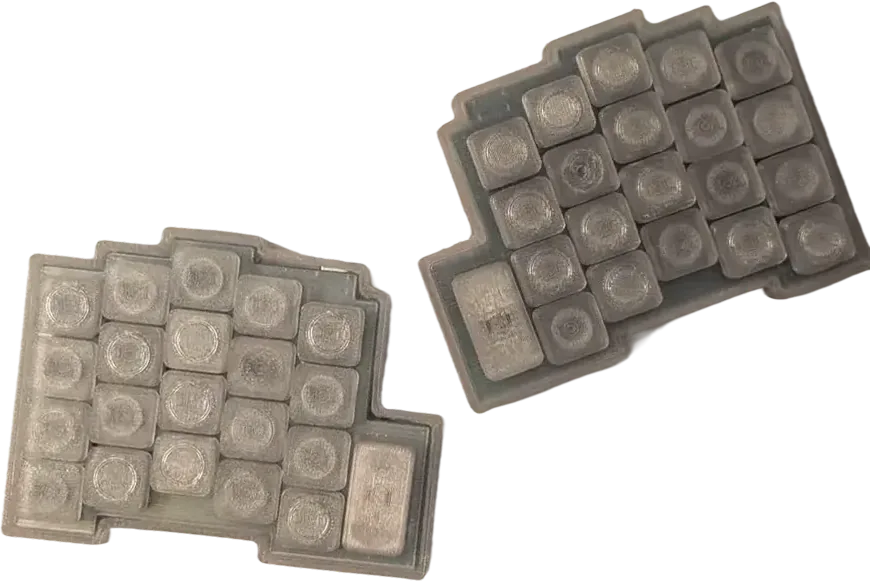

Hii! Do you not want to get carpal tunnel? Or just think that split keyboard are cool? Then you are in the right place!
In this guide you will be learning how to make a wireless split keyboard.
This guide is meant to be an extension to the hackpad guide, so if you are a total beginner to keyboards/electronics, read that first, and then come back here :)
In this tutorial we are going to use the same form factor board as in the hackpad tutorial, but with different internals. Instead of a rp2040 it has a nrf52840 chip inside, which has wireless capabilities.
What you need
~$50 total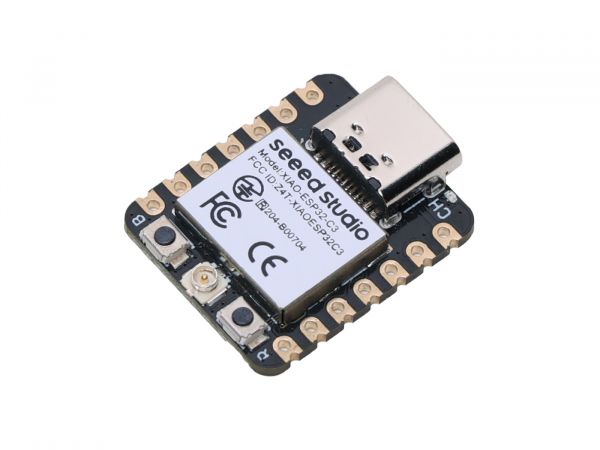 XIAO-nRF52840wireless MCU with built-in battery management2× · $20
- MX-style hotswap socketschalk hotswap sockets from marbastlib recommended42× · $8
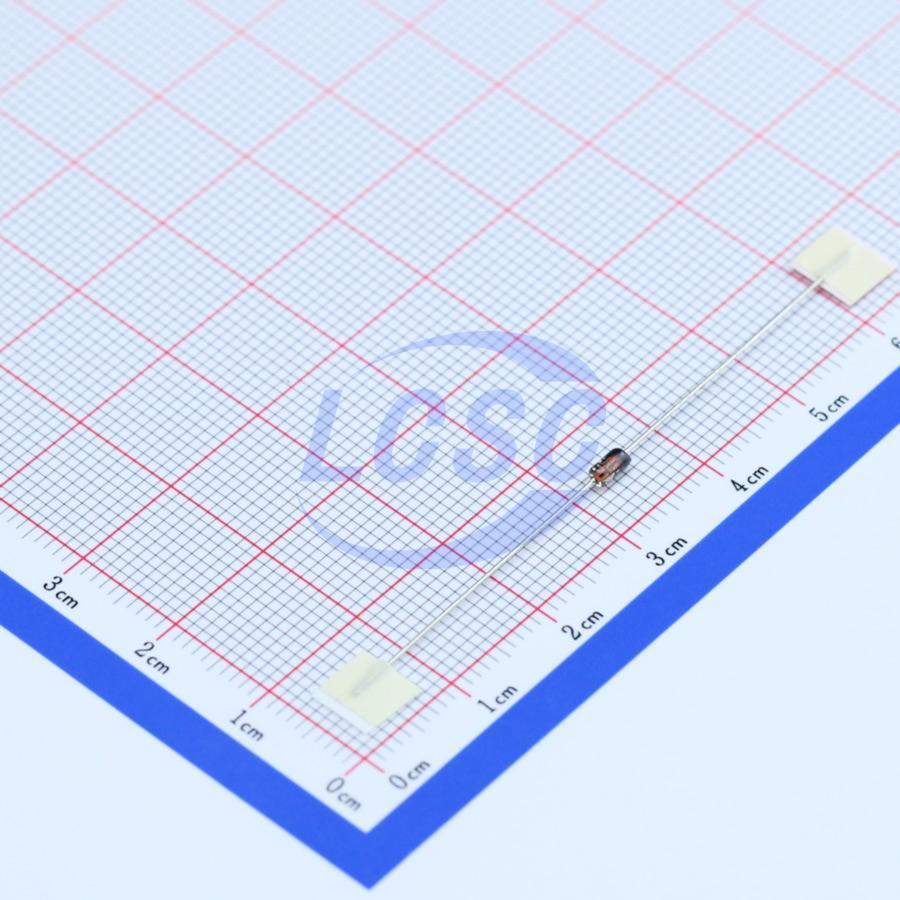 1N5819 SMD diodesSMD (SOD-123) - compact but harder to solder42× · $2
- LiPo batterysmall, connects to VBAT2× · $10
- Resistors for voltage divider (optional)for reading battery voltage from the XIAO4× · $1
- Test points / battery padsTestPoint_Pad_D2.0mm or larger4× · $1
- M2-M3 mounting screws4-6 per half12× · $1
- Your PCBs, fabbedtwo halves, mousebite panel2× · ~$8
If you want to dive a little bit deeper before starting, Joe Scotto has some good videos on how keyboards work and on how KiCad works.
This guide is made by @koeg on Slack, so if you have any questions about this ask in #stasis-support and tag me. The source files of this project can be found in this repo.