
Now I'm going to fix the silkscreen component names so that they look better (and a bit smaller).
#Restyle the reference designators
-
Go to
Edit > Text & Graphics Properties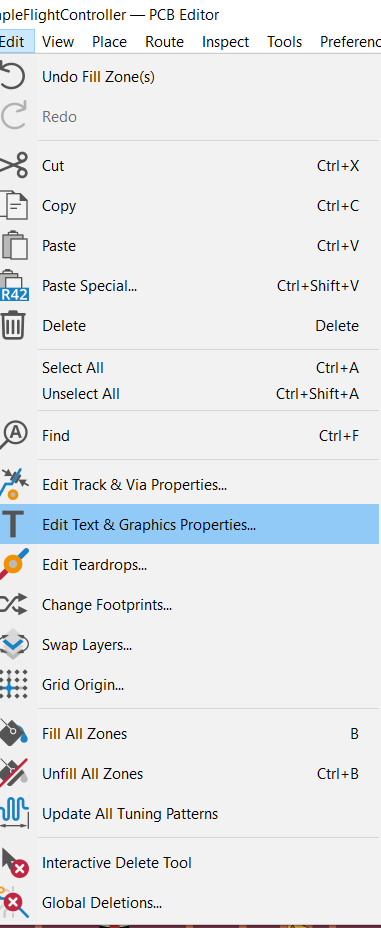
-
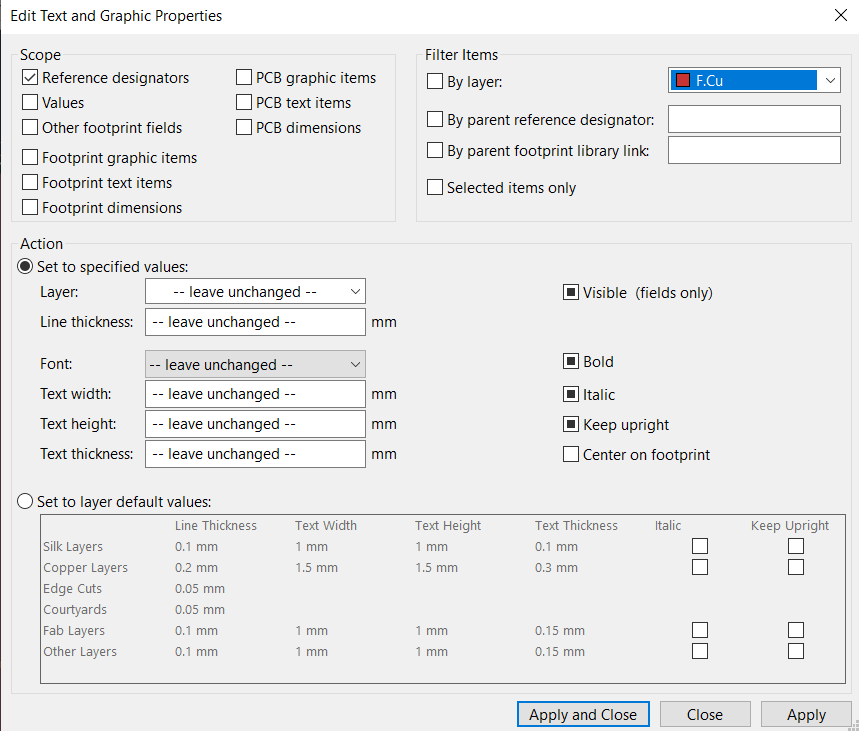
This window should show up:
-
Here you're going to select
Reference designatorsas this will select all of the designators (R1, C1, etc...) on the board so we can edit their properties. Then in the action I am going to change the font and the size: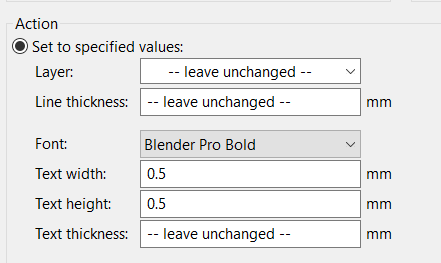
-
You can set these values to whatever you want but I am going to go with this. Then click
Applyto test it out andApply and Closewhen you are done.
#Organize the silkscreen
-
Now all I'm going to do is organize the references like this:
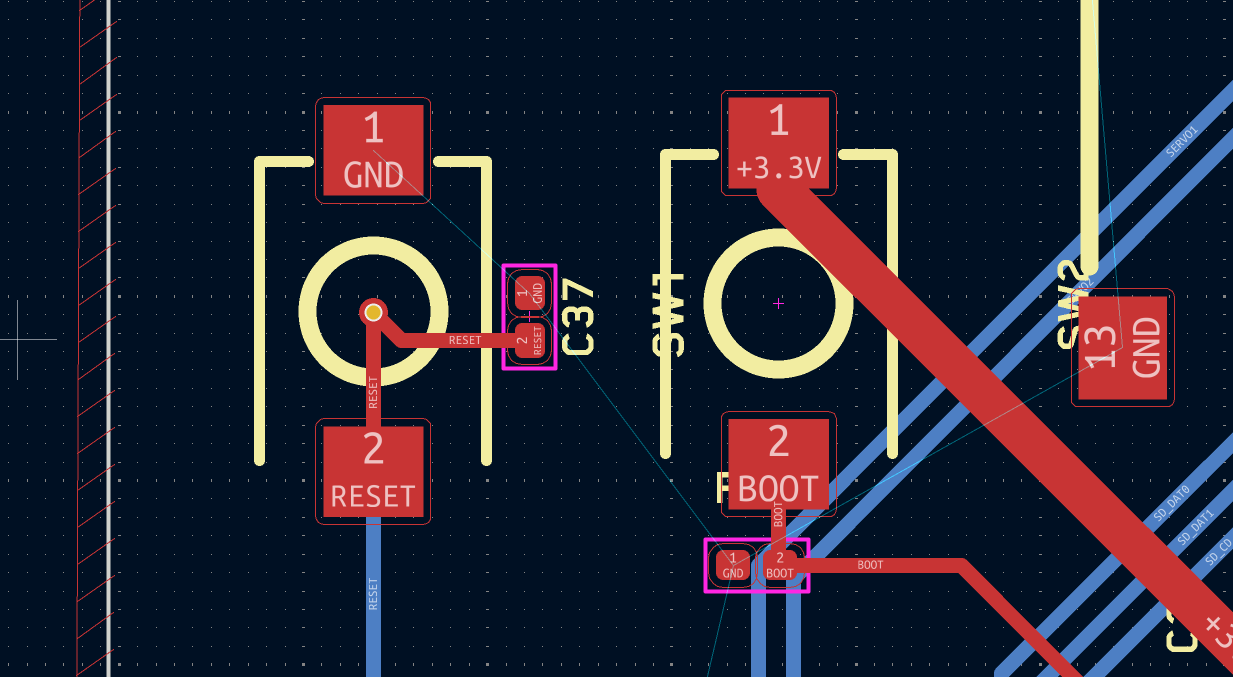 (before)
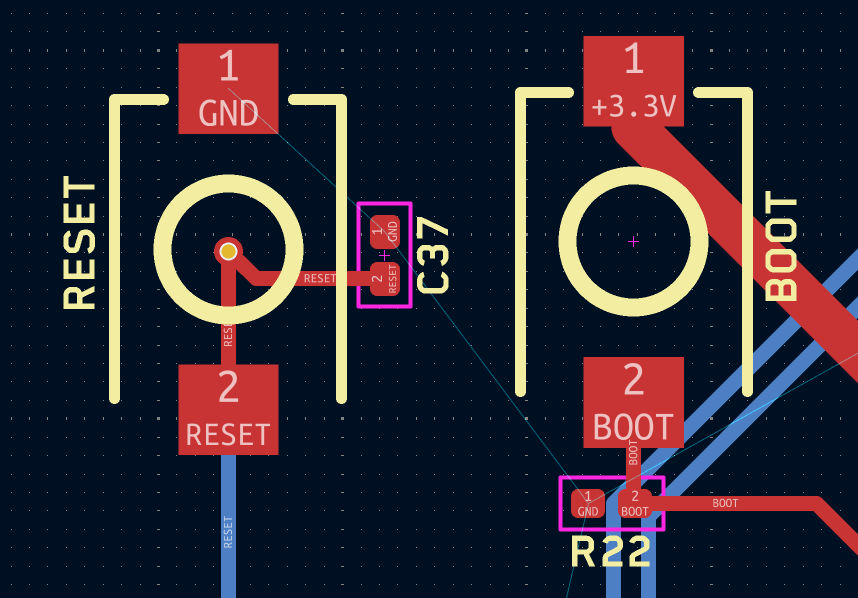 (after)
 -
This is completely optional but look at how neat it looks now with all the designators/references properly sized and placed:
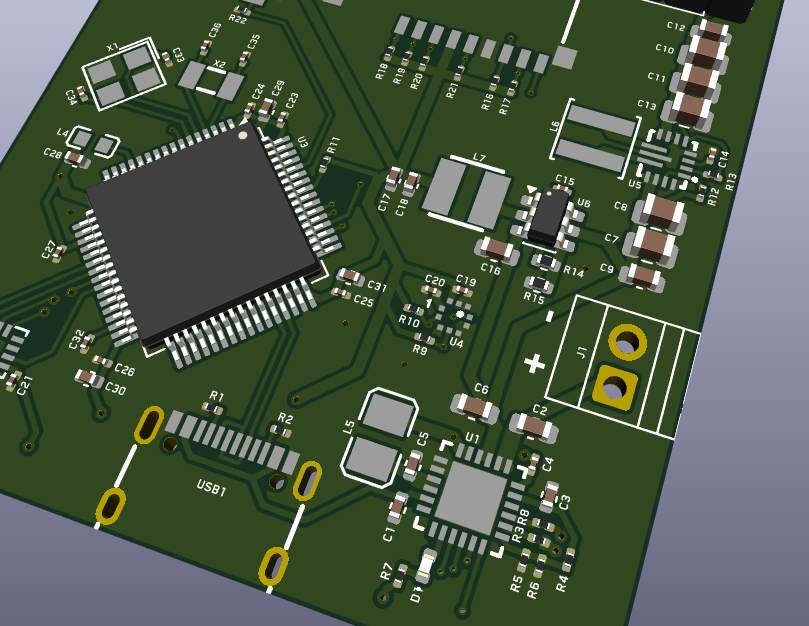
-
I even added text to the battery connector to show which side is + and -.
#Fix 3D models (optional)
-
If you want to add the 3D models to render, then just go to properties and find a 3D model that works for you:
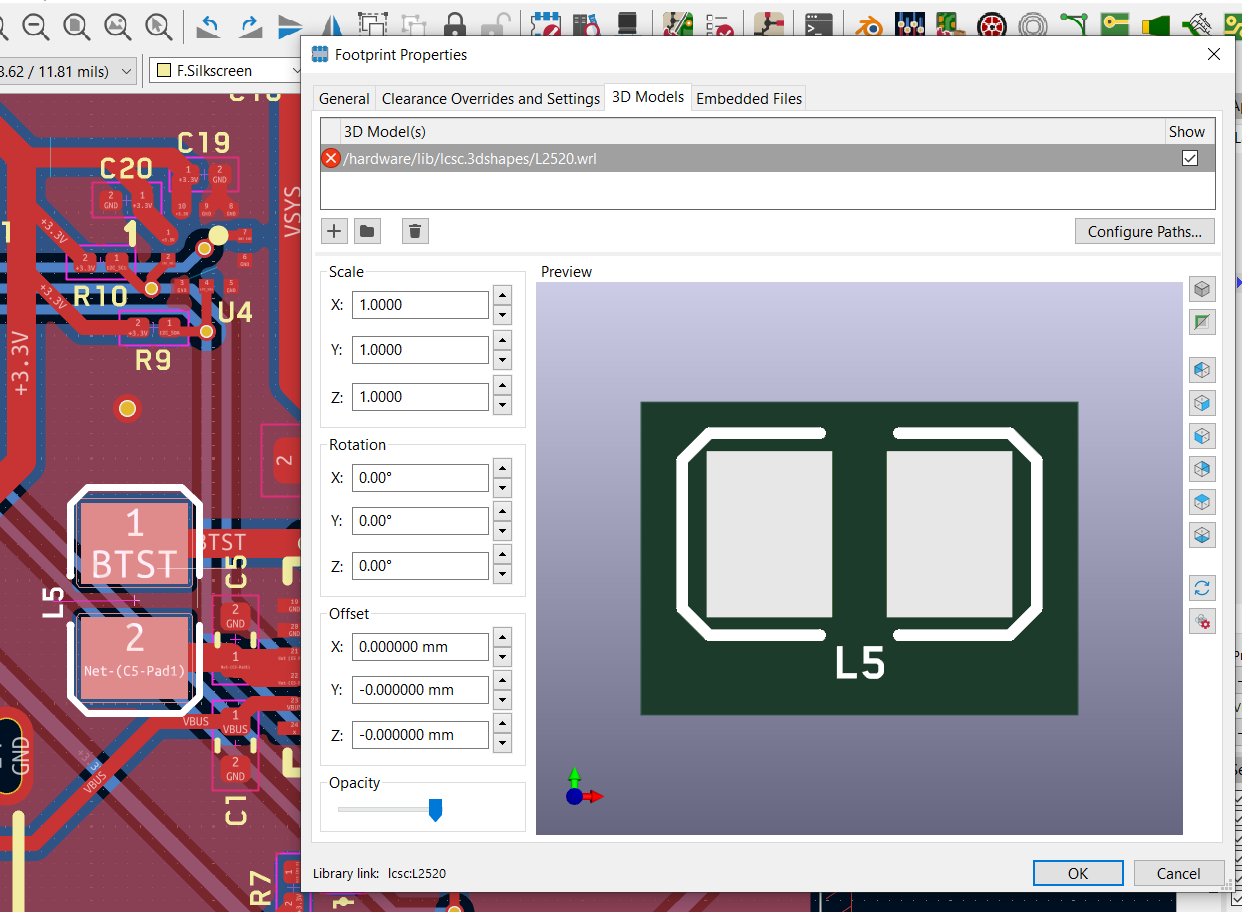
-
(You may have to click on the folder icon next to the path/show button to change the 3D model from a
.wrlto the.stepin the same folder for imported LCSC parts for it to show. Just changing the name will not update it.)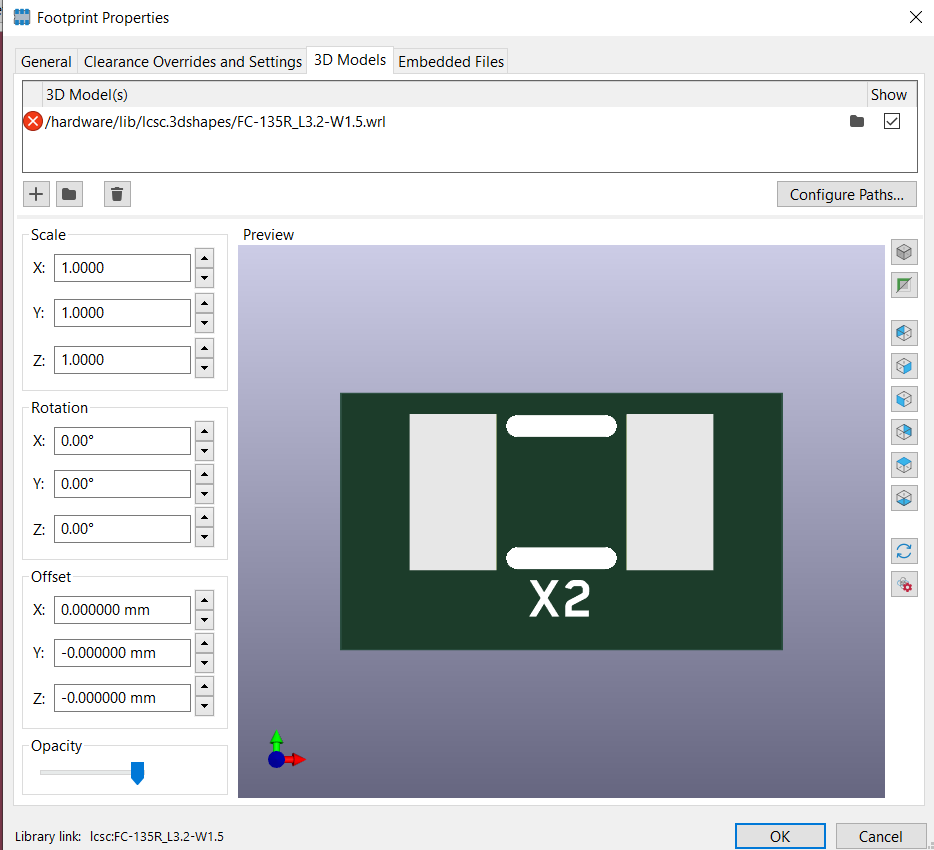 (Before)
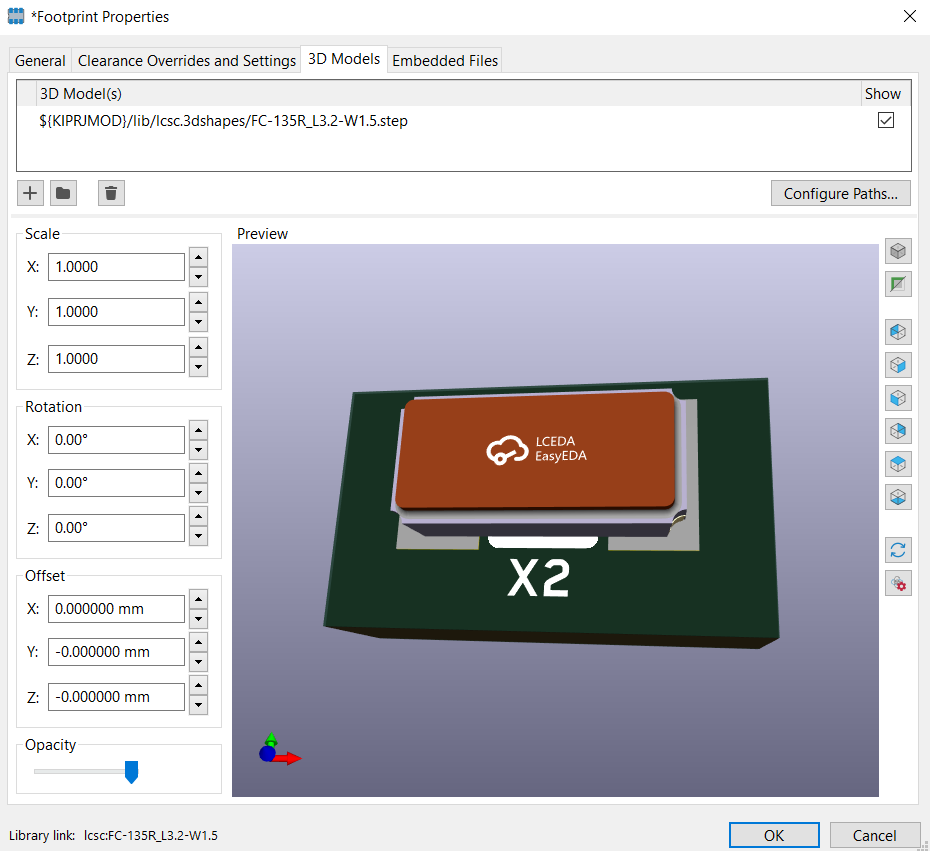 (After)