
Now you can either write your firmware through STM32CubeMX/VSCode or use STM32duino.
#STM32CubeMX
After you have received your board, you need to write the firmware to communicate with the STM32.
#Switch the toolchain to Makefile
-
From STM32CubeMX, go to the
Project Managersection, then click onToolchain / IDEand selectMakefile. This allows you to useVSCodeor any other code editor to edit the files much more easily without having to use ST's software.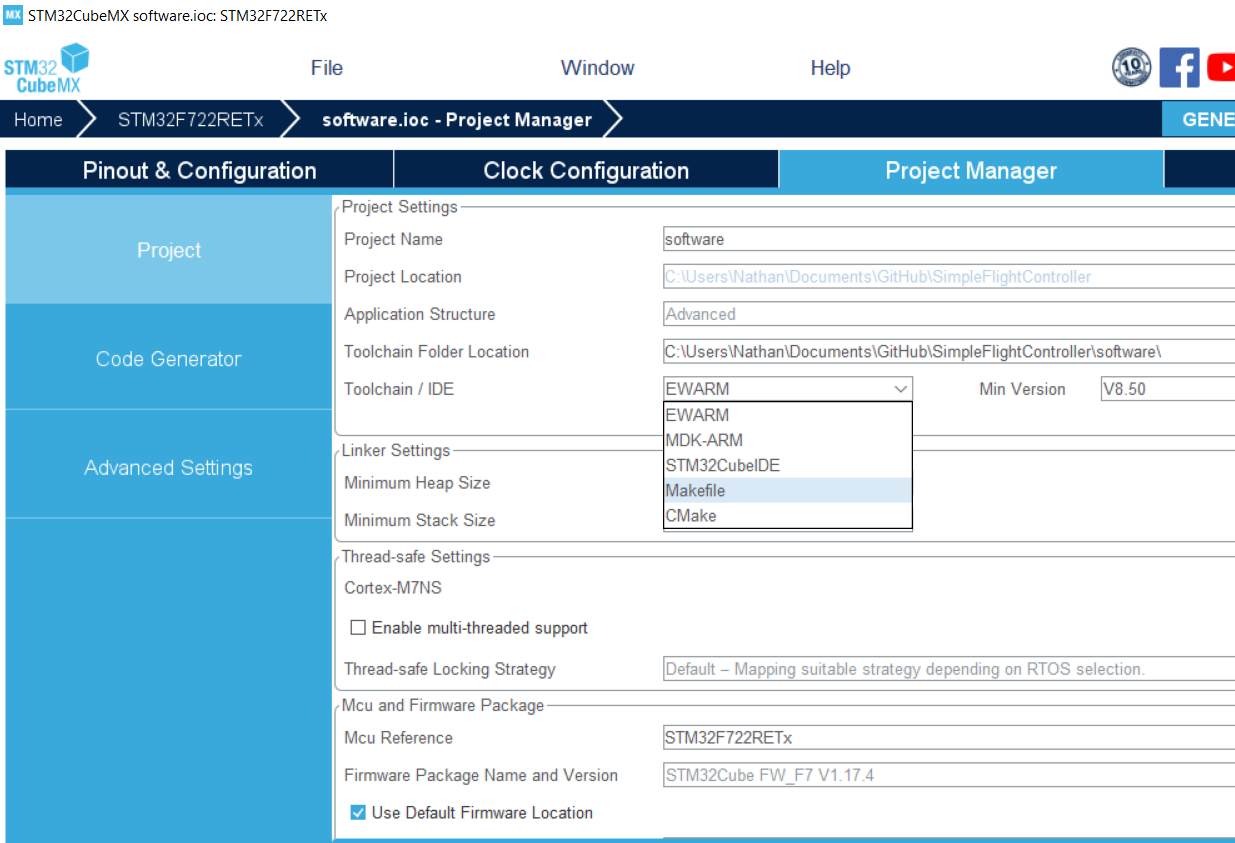
-
Now click the
Generate Codebutton at the top and download/install any packages that are required.
#Open in VSCode and install the STM32 extension
-
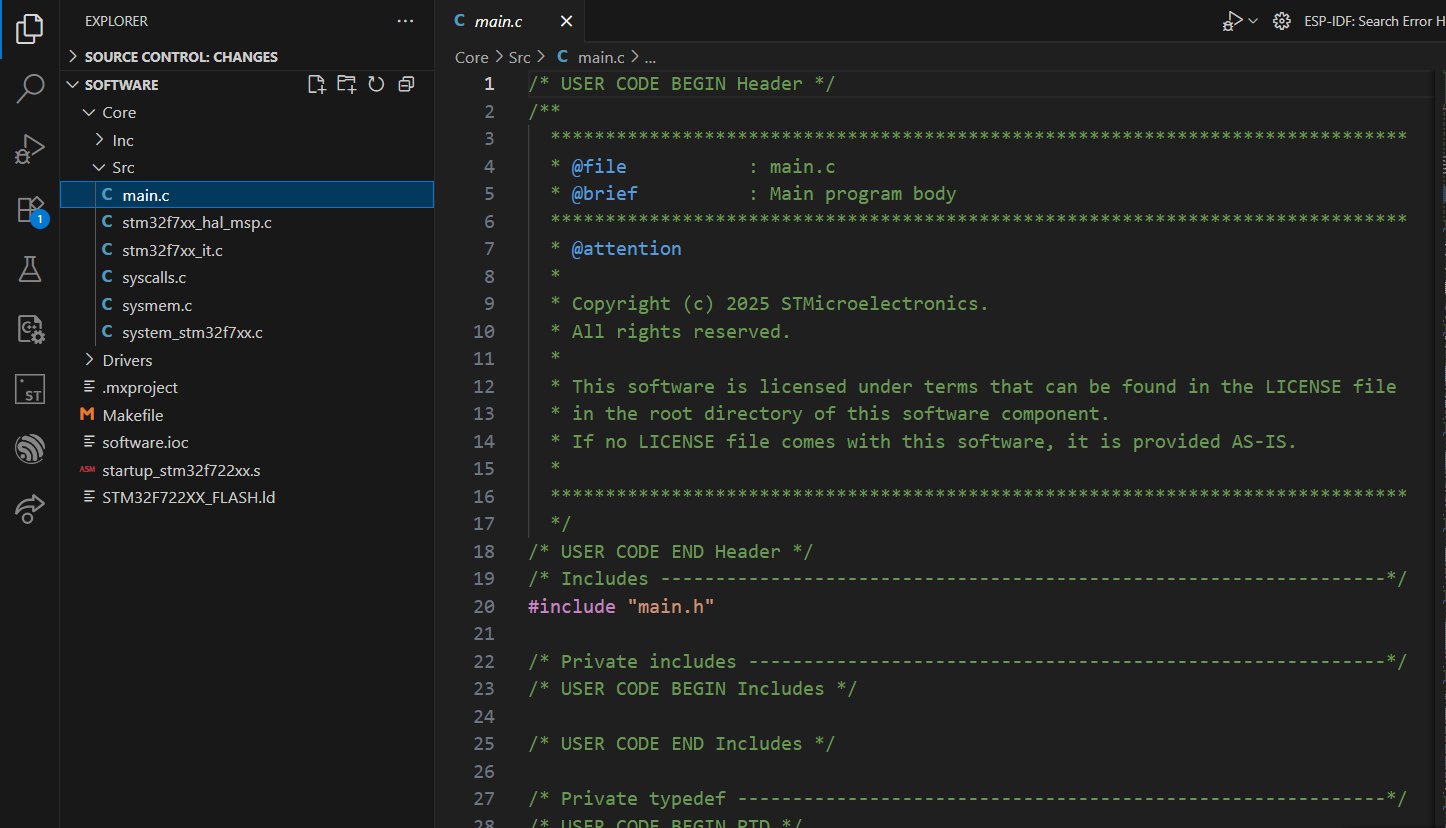
After that's done, open
VSCodeand open thesoftwaredirectory. You're also going to want to install this extension to make building the software much easier: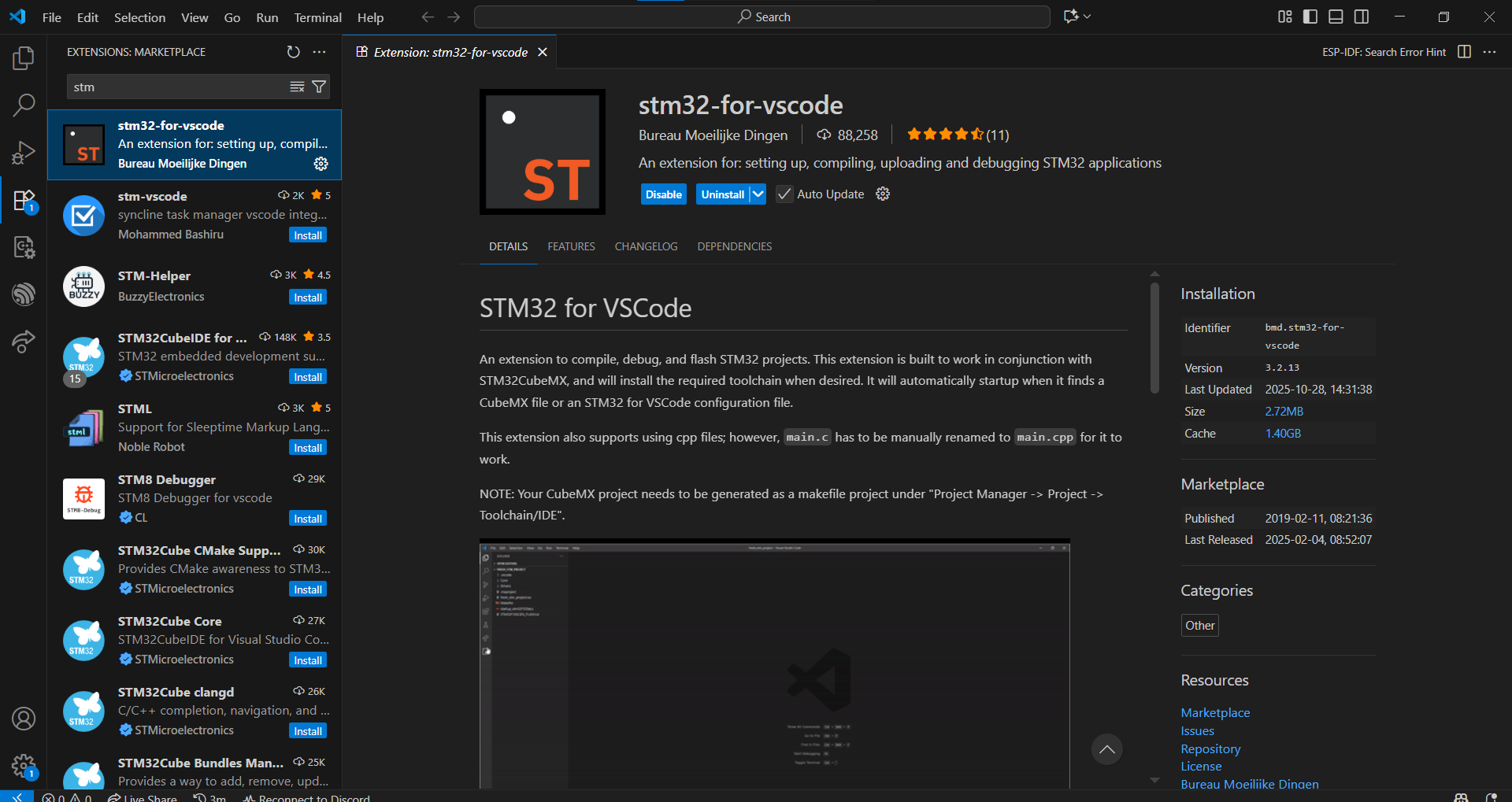
-
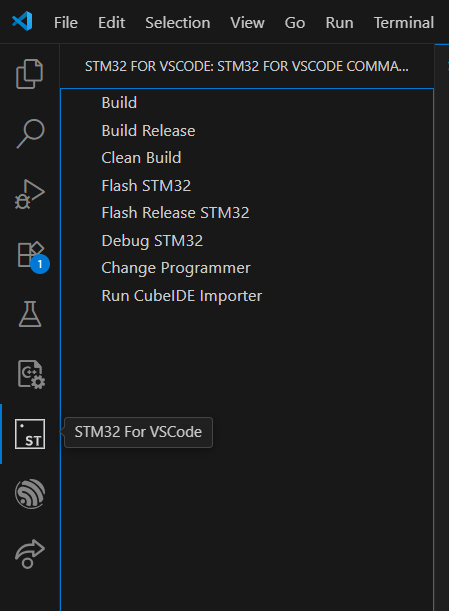
Then you should see this button on the side:
-
This will allow you to build and flash your flight controller all from VSCode!
#STM32duino
Follow the instructions in the GitHub.